Last updated: 4 September 2026
1Introduction
Quick Answer: An AI headshot booth captures a real photograph on site and standardises it automatically, giving a whole team matching portraits in a single afternoon without booking a studio.
Every company has the same quietly awkward asset: a staff directory where one person is in a studio portrait, another is cropped out of a wedding photograph, and a third has been a grey silhouette for two years.
It persists because fixing it properly is a scheduling problem rather than a photography problem. Getting two hundred people through a studio in shifts is what makes the project die.
A headshot station at an event you were holding anyway removes that obstacle entirely. People are already there, already dressed for work and already in one building.
It is a plausible thing to organise across a business population where MSMEs employed 8.09 million people in 2025 according to the Department of Statistics Malaysia, most of them in firms with no in-house photography of any kind.
Watch: where AI portraits go wrong
A useful counterweight to the marketing around AI portraits, covering the point at which a generated headshot stops reading as professional and starts reading as artificial.
2A booth is not an app
Quick Answer: An app generates a portrait from uploaded selfies. A booth takes a real photograph in controlled light and uses AI to standardise the background and finish. The starting material is completely different.
This distinction is the reason most published criticism of AI headshots does not apply to a booth, and it is worth being precise about.
App-based services ask for a handful of existing photographs, then produce a new image of a person who resembles the subject. The characteristic failure is a portrait that colleagues describe as almost right, which is the worst possible outcome for a directory picture.
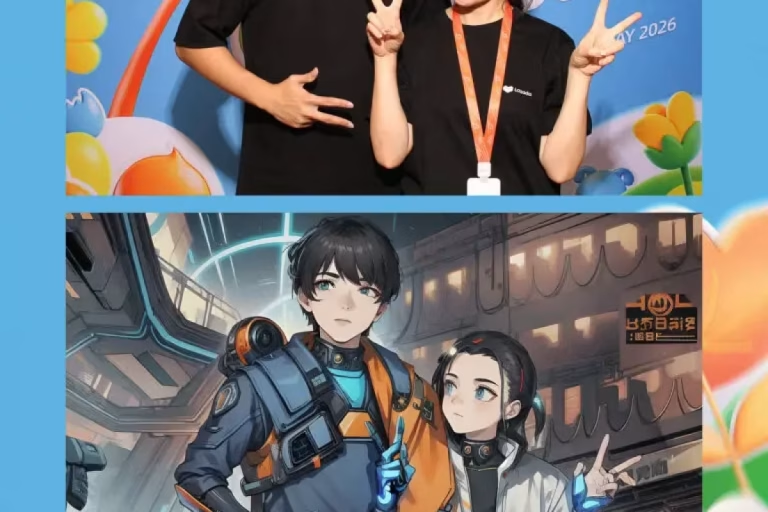
A booth starts from a photograph taken minutes earlier, with proper lighting, a fixed camera position and the actual person in front of it. The AI work is applied to what is already there: background replacement, exposure matching, a consistent crop, sensible retouching.
That is closer to what a retoucher does after a studio session than to image generation. The likeness is captured rather than inferred, so the resemblance problem largely disappears.
It matters commercially too. A staff member who does not recognise themselves will not use the portrait, and the project quietly fails despite everyone having attended.
3Consistency is the actual product
Quick Answer: A directory looks professional when every portrait shares a background, crop, exposure and eye line. Individually flattering images that do not match each other look worse than plain ones that do.
Ask what a good corporate headshot set looks like and people describe individual portraits. What a viewer actually judges is the grid.
Four variables produce that impression, and each is a setting rather than a talent: background, crop, brightness and eye height.
| Attribute | Decide once | If it varies |
|---|---|---|
| Background | One colour or scene | The grid looks assembled |
| Crop | Head and shoulders ratio | Heads sit at different sizes |
| Eye height in frame | A fixed proportion | Portraits look unsettled |
| Exposure and warmth | Matched across the set | Some staff look unwell |
| Retouching strength | Light, and uniform | Unequal treatment shows |
| File size and shape | Square and rectangular | Systems crop badly |
Illustrative planning model rather than a fixed ShutterPop specification. The exact values matter less than applying the same ones to everybody.
The fifth row carries a fairness point that is easy to miss. Uneven retouching across a team is noticed, and it is noticed by exactly the people it was applied to most.
4Turn the processing down
Quick Answer: Heavy smoothing, invented suits and glassy eyes have become recognisable. A lightly finished real photograph now signals competence better than a highly processed one.
Two years ago a polished AI portrait looked impressive. It has since become common enough that people identify the style on sight, and the association is not flattering.
The tell is usually the same set of things: skin with no texture, hair with a slightly wrong edge, a jacket that does not match the shirt underneath, and eyes that are too uniformly bright.
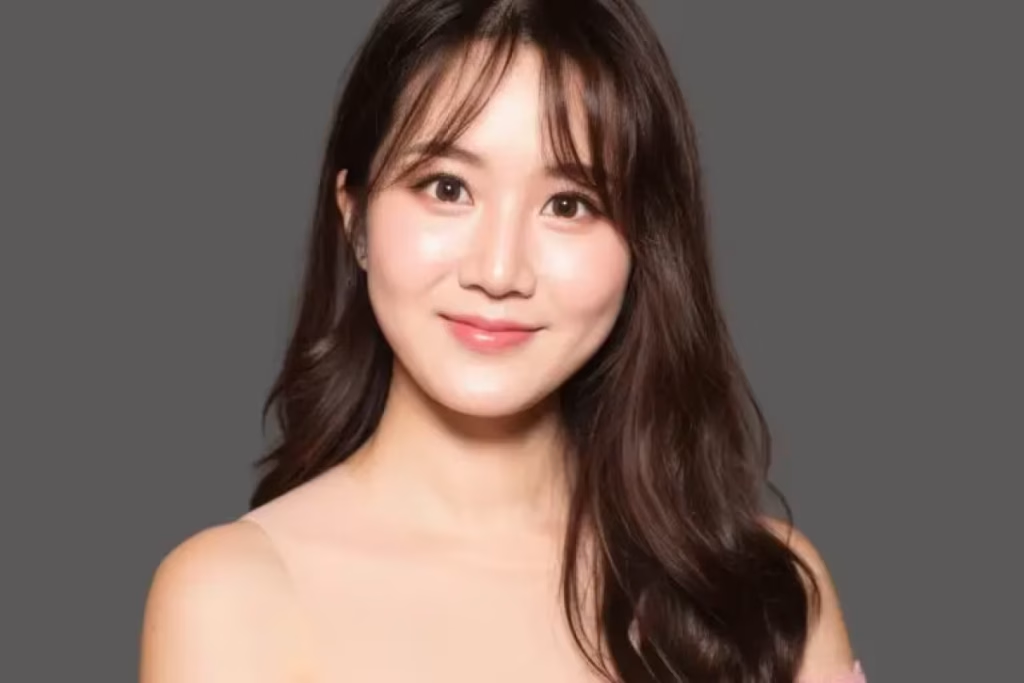
So the setting to ask for is restraint. Keep skin texture, replace the background but not the clothing, correct exposure rather than reshaping features, and accept that a real photograph of a real person is the objective.
There is a professional argument for this beyond taste. A portrait is a claim about who will turn up to a meeting, and one that flatters heavily creates a small disappointment at the first introduction.
Skin tone deserves specific attention in a Malaysian office, where a single automatic setting rarely suits everyone. Brightening presets built around one complexion tend to flatten darker skin and wash out the contrast that gives a face its structure, so ask how the system handles a range of tones and look at results across several colleagues rather than at one sample portrait.
Ask to see the same face at three processing strengths during setup, then choose the lightest one anybody in the room describes as an improvement. It is a five-minute decision that shapes the entire set.
5Throughput is the real saving
Quick Answer: A station running at a minute or two per person clears a department in a coffee break. The cost avoided is the scheduling and lost working time, not just the photographer’s fee.
Compare the two approaches honestly and the difference is not mainly about money.
A studio day means booking slots, chasing people who miss them, arranging travel, and losing an hour of working time per person. The photography is the cheap part of that arrangement.
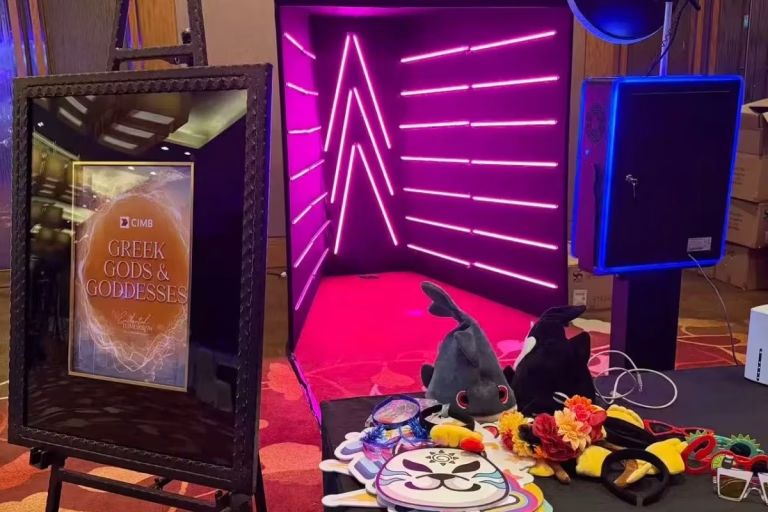
A booth at a town hall or conference converts a queue into a completed task. People join it because they are already standing near it, which is also why position matters as much as it does in our guide to corporate booth planning.
Plan the capacity properly. At roughly ninety seconds per person a single station handles about forty people an hour, so a four-hundred-person company needs either a long day, two stations, or a schedule by department.
Delivery closes it out neatly. With 99.6 per cent of individuals using a mobile phone, according to the Department of Statistics Malaysia’s 2025 survey, each person can receive their portrait immediately while HR gets the complete set as one export.
6Decide the specification first
Quick Answer: Background colour, crop ratio, file naming, where the files land and who approves the look. Settle all five before the day rather than during it.
Headshot projects fail on administration far more often than on image quality.
- Background. One colour, chosen against your brand and against the systems the portraits will appear in.
- Crop ratios. Usually two: a square for profile systems and a rectangle for slides and documents.
- File naming. Employee name or identifier, agreed in advance, so nobody renames four hundred files by hand.
- Destination. The shared drive or system the files go to, and who has access.
- Approver. One person who signs off the look during setup and does not revisit it at noon.
The naming line saves the most time. A perfect set of images with meaningless filenames is a week of somebody’s work waiting to happen.
Where possible, capture the person’s name at the station rather than matching faces to a list afterwards. It takes a few seconds and removes an entire task.
Decide what happens to people who miss the day, too. A directory is only consistent if the last thirty portraits match the first three hundred, so agree either a short second session or a documented setting the same supplier can reproduce months later.
7What to tell staff beforehand
Quick Answer: Three lines a week ahead: portraits are being taken, wear what you would wear to meet a client, and it takes about two minutes. Attendance depends almost entirely on this note.
The difference between a good turnout and a poor one is usually a short message sent in advance, not the equipment.
Tell people what is happening, so nobody is photographed on a day they would rather not be. Suggest the wardrobe in one clause, since a solid mid-tone top photographs better than fine stripes or a busy print.
Say how long it takes. Two minutes is an easy yes; an unspecified commitment during a coffee break is an easy no.
Add one sentence on what the portrait will be used for and one on how to ask for a retake. Both raise participation, and the second costs nothing because retakes are rare when people know they are allowed.
Provide a mirror at the station. It is the cheapest item in the setup and it noticeably improves the results, particularly for anyone arriving straight from a warm car park.
8Where the station fits best
Quick Answer: Town halls, conferences, onboarding days and exhibitions, because attendees are dressed appropriately and have a natural gap to fill.
Not every event suits a headshot station, and the mismatches are predictable.
Town halls are the strongest fit. Everyone in one building, dressed for work, with a break in the middle and no competing entertainment.
Conferences work for the same reason, with a bonus: delegates from other organisations value the portrait, which makes it one of the few stand offers people queue for willingly rather than politely.
Onboarding days are the quiet winner. New joiners need a portrait immediately, and taking it on day one avoids the eighteen-month gap that creates mismatched directories in the first place.
The poor fits are the loud, late and casual ones. Annual dinners suit full-length formats far better, as our guide to annual dinner booths explains, and a family day is not the place for professional portraits.
9Likeness, consent and staff data
Quick Answer: Say where the portraits will appear, make participation genuinely optional, and agree how long the supplier keeps its copy of the images.
A portrait of an employee is personal data attached to a face and a name, which makes it worth handling deliberately.
Malaysia’s amended framework came into force in stages through 2025, and the Personal Data Protection Department has issued circulars covering breach notification and the appointment of data protection officers. Staff images sit inside that framework like any other record.
Three practical steps cover most of it. State the intended uses plainly, whether that is the intranet, the website or client proposals. Make it genuinely optional, with no awkwardness for declining. And agree when the supplier deletes its working copies.
Ask one more question about the processing itself: whether images are used to train anything. The answer should be no, and it should be in writing.
The same principles apply when the audience is customers rather than staff, which our guide to lead capture and consent sets out in more detail.
10What it does not replace
Quick Answer: It does not replace a directed portrait session for a small leadership group, or editorial photography for an annual report. It solves the volume problem, not the top of the range.
Worth saying from the supplier’s side, since the honest limits are what make the rest credible.
A booth produces a consistent, professional portrait quickly. It does not produce a directed sitting where a photographer works with someone for twenty minutes to get a specific expression.
For a handful of senior portraits used on covers and in press, that session is still the right purchase. It is a different job with a different output.
The sensible arrangement uses both. A directed session for the small group who need it, and a booth for the two hundred people whose portraits simply need to exist and match.
Environmental and location photography sits outside this too. A booth cannot photograph someone in the workshop or on site, and those images often carry the strongest story on a website.
Directory full of mismatched photos?
Tell us your headcount and when your next town hall is, and we will size the station and the schedule — see our AI headshot booth →
11Conclusion
Quick Answer: Photograph properly, standardise six settings, keep the processing light, plan for forty people an hour, and agree naming and consent before the day.
An AI headshot booth for corporate teams is a logistics tool wearing a technology label. What it really removes is the scheduling problem that keeps staff directories inconsistent for years.
The quality question resolves itself once the processing is dialled down. A real photograph, lightly finished and consistently framed, is what a professional set looks like.
Everything else is administration decided in advance: background, crop, filenames, destination, and one person to approve the look.
If the same event has to serve marketing as well, pair the station with a format that produces shareable content, as our guides to roadshow activations and corporate booth ideas describe.
12Frequently asked questions
What is an AI headshot booth?
A station that takes a real photograph on site in controlled lighting, then applies AI automatically to standardise the background, exposure and crop. It differs from an app that generates a portrait from previously uploaded selfies.
Do AI headshots still look like the person?
With a booth, yes, because the image starts from a photograph taken minutes earlier. Resemblance problems are mostly associated with generated portraits built from old selfies rather than from a fresh capture.
How many people can a headshot booth photograph in an hour?
Roughly forty at about ninety seconds each, including a moment to check the result. For several hundred staff, plan either a longer day, two stations, or a schedule by department.
What should staff wear for a corporate headshot?
What they would wear to meet a client. Solid mid-tone colours photograph better than fine stripes or busy patterns, and a mirror at the station helps more than any instruction.
Can we get the photos in different sizes for different systems?
Yes. Ask for a square crop for profile systems and a rectangular one for documents and slides, with agreed filenames so the set can be uploaded without renaming anything.
Want matching portraits for the whole team in one afternoon?
Send us your headcount and the event you are already holding. We will confirm the schedule, the background and the file formats your systems need.